
Getting Started
To get started with the SpatialGen API, visit your workspace’s API Keys page to create and manage your API keys. You can create multiple keys for different apps, services, and environments.
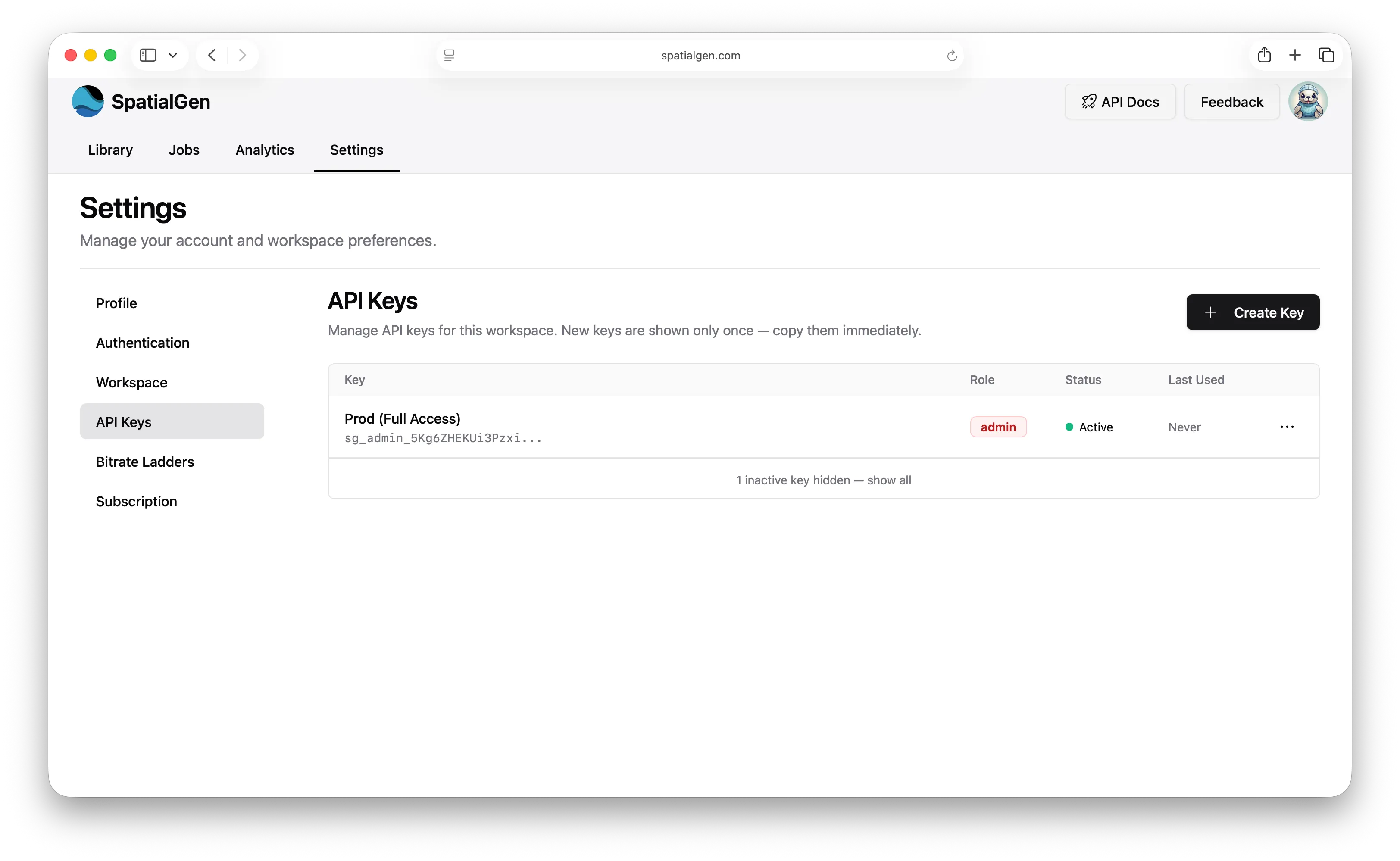
Choose a role based on how much access each integration needs:
admin: Full access for read operations plus managing library resources (update, upload, delete, create streams). Keep admin keys private and only use them in trusted backend services.readonly: Read-only access for listing videos, streams, and requesting downloads. Readonly keys are safe to embed in an app when your app only needs client-side read access.upload: Upload-only access for upload workflows; it cannot read or manage existing library resources. Keep upload keys private and only use them in trusted places.
In most cases, you should create separate keys for separate use cases. For example, you might use a readonly key in a Vision Pro app and a private admin or upload key on your server.
API usage is unlimited and free for all Essentials, Professional, and Enterprise customers.
Authentication
All requests to the API endpoints will require the API key as the X-SPATIALGEN-APPKEY header.
Key Management
Temporary Keys
You can mark an API key as temporary when you create it. Temporary keys are useful for short-lived access, such as testing, limited-time partner integrations, or operational work that should expire automatically.
If you do not choose a custom expiration date, temporary keys default to a 7 day lifetime. After that time, the key expires automatically and can no longer be used.
Revoking and Rotating Keys
If a key is exposed or no longer needed, you can revoke it from the API Keys page. Revoking a key immediately invalidates it, and any app or service using that key will lose access right away.
If you need to replace a key without changing its role, rotate it instead. Rotating a key creates a new key and immediately invalidates the old key, so you should update every app or service to the new value as soon as the rotation is complete.
MacOS Uploader App
SpatialGen has a mac-based uploader app which can be leveraged for considerable file size uploaders free of charge.
Download it here